One place on a public course
- Course
- Your approved course name and duration
- Session
- Published date, venue and price
- Next step
- Your existing course booking page
The learner sees the practical details before choosing a place.
Website design for first-aid training companies
Your next learner can find the course, venue and booking route on their phone. Your next employer can ask about training a team at their workplace. You get a website built around those two decisions.
Turing builds websites for UK first-aid training providers, from £2,000 for three agreed pages. We organise your approved course information and connect the enquiry route to your inbox. Existing booking services can remain the destination for individual places; larger catalogues, payments and enrolment systems are scoped separately.
See the website build pricingIllustrative website example
A person booking one place and an employer training a team need different information. This illustrative layout shows how your website can guide each enquiry.
A planning example for your website brief. Your team approves the service wording and the connections included in your build.
The learner sees the practical details before choosing a place.
The employer can describe the group before your team discusses the course.
Course information, employer enquiries, existing booking tools and content approvals.
Free, editable text file. Use it with your chosen website supplier.
Paste the main points into your website enquiry.
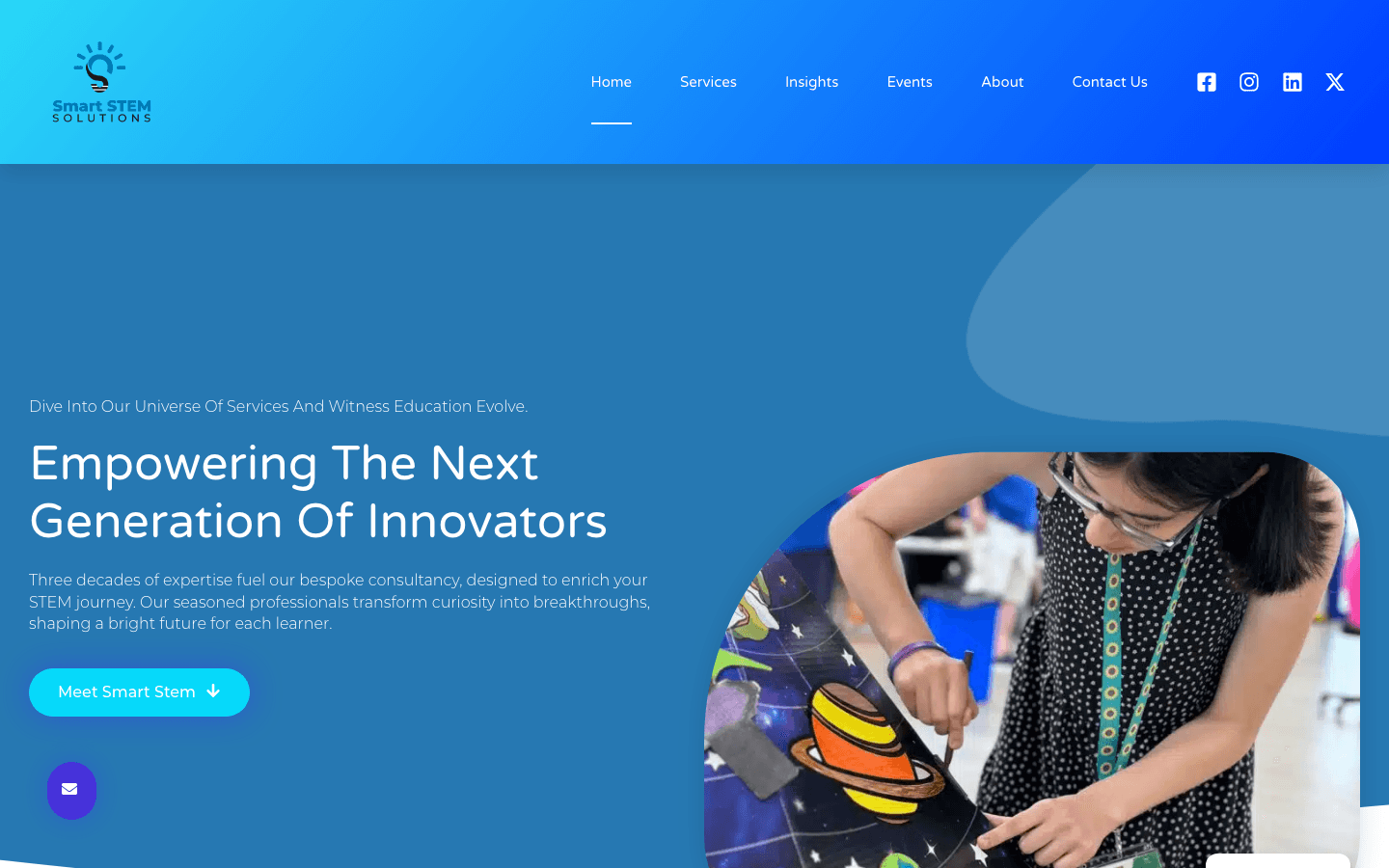
Client project · Smart STEM Solutions
See how Smart STEM Solutions presents six service areas, educator training and age-specific programmes for schools and partners.
Our work: Website design · Website development · Service architecture.
A course website people can act on
Your course information leads to a booking or a useful group-training enquiry.
A learner comparing courses can see the name, delivery format, duration, venue, date and total published price together. The next action leads to the relevant booking destination, with your approved certification information beside it.
An employer arranging workplace training needs a different conversation. The enquiry can explain the course required, number of learners, delivery location and preferred dates, so your team receives the context for a group quote.
Keep the booking provider your team already uses. A direct link can take visitors to the correct course or schedule. An embedded catalogue or a deeper connection is assessed against that provider's capabilities and included in the agreed build scope.
The course-to-enquiry content checklist
Use these five checks when preparing the content for your training website.
Use the course and qualification names your training team approves. Explain the intended audience, format, duration and any prerequisites using the wording appropriate to that course.
Agree where the next date, location and availability are maintained. If the booking provider owns that information, route visitors to its current schedule rather than copying availability into another system.
State the approved individual or group pricing basis and what it includes. Explain certification, materials, venue and travel charges where they apply to the advertised course.
Use approved trainer, assessor, awarding-body and quality-assurance information. Keep the exact credential wording and its supporting source together in the content handover.
The public website helps people choose and enquire. Learner registration, sensitive information and course administration stay in the provider selected for those tasks, with any new connection scoped explicitly.
Check the training website before launch
A short acceptance sheet for the routes learners and employers will use.
The checklist covers the website build. Your training team approves course, qualification and provider claims for the markets it serves.
A useful source for course information
Use the current guidance alongside your own awarding-body and training records.
Preparing the competence, quality-assurance and qualification information an employer may check. Your training team reviews the guidance and its applicability to the locations where it delivers courses.
Reference links inform the content brief. Technical and regulatory wording is reviewed by your appointed training specialist, including country-specific requirements.
For related businesses
Related guides
Weighing it up before you enquire? These guides go deeper on cost and choices.
What a first-aid training website costs
Choose the starting scope around how your business takes course enquiries.
from £2,000
Three agreed pages, such as your homepage, course-and-training overview and enquiry page. Includes an inbox enquiry route, Analytics and Search Console setup, with approved course content and links to your existing booking service.
from £5,000
Adds the published Growth scope, including CRM integration and Google Ads setup. Course payments, booking-provider connections and larger catalogues are itemised for the system and pages required.
Hosting, domains, booking subscriptions and payment-processing charges are identified separately from the website build. Your quote sets out the page count, connections and ongoing costs. Compare the full web design pricing.
Questions, answered
Launchpad starts at £2,000 for three agreed pages, an inbox enquiry route, and Analytics and Search Console setup. A homepage, course overview and enquiry page can suit a focused starting brief. Individual course libraries and booking features are itemised in the quote.
Yes. A course page can link to the booking provider or schedule you already use. If you want the schedule embedded or information passed between systems, the implementation is assessed against the provider's documentation and scoped for your setup.
Yes. Give group enquiries a distinct route that asks for the course, learner count, location and preferred dates. Your team can then discuss the training and quote using the received information.
Your training specialist supplies and approves the course, qualification, trainer and quality-assurance information. We organise that material on the website and record the sources used for the published content.
The brief names the source of course dates and the person maintaining it. You can keep dates in your existing booking provider and link to its schedule. A website editing interface or catalogue connection is included when that is part of the agreed scope.
Yes. Bring the current site, course list and booking destination. The rebuild can retain useful course URLs or map them to the new pages, while preserving the booking route your team wants to keep.
Share the courses you want to promote and how learners and employers should enquire through your website.